Section
Vertical-rhythm section primitive with padding presets (1-4), responsive role sizes (compact/strip/body/hero) and background media props. Ideal for full-bleed hero bands with bgVideo or bgImage.
// Plain markup
import { Section } from "@shavin/ui";
Padded Page Section
Section Block Header
Structured page section content.
<Section size="2" className="border border-hairline rounded-[var(--radius-panel)] bg-surface p-6">
  <h3 className="text-lg font-semibold text-fg">Section Block Header</h3>
  <p className="text-sm text-fg-muted mt-1">Structured page section content.</p>
</Section>
Background Media
Section is the ideal primitive for full-bleed hero bands with background media. Combine bgVideo or bgImagewith bgOverlays for text legibility.bgOverlays supports comma-separated shorthand: presets (dark-50), hex colors (#ff5733/50), semantic tokens ((accent)/30), and gradients (linear(45deg, #000/0%, #000/100%)/80). Mix freely in one string, and surface="dark" to cascade light-on-dark tokens. The surface auto-inverts against the page theme — on a dark page, surface="dark" flips to light contrast. Use surface="dark-always" to lock dark tokens regardless of page theme.
Full-Screen Hero Section with Background Video
A size-4 Section with background video, dark-50 overlay, and dark surface scope for white text.
Build the Future
A zero-slop design system powered by tokens.
<Section
  size="4"
  bgVideo="https://videos.pexels.com/video-files/39524985/16839566_1920_1080_24fps.mp4"
  bgOverlays="dark-50"
  surface="dark-always"
  className="rounded-[var(--radius-panel)] overflow-hidden"
>
  <Container size="md">
    <Flex direction="column" align="center" gap="4">
      <Heading size="3xl">Build the Future</Heading>
      <Text size="lg" color="muted">A zero-slop design system powered by tokens.</Text>
      <Button size="lg">Get Started Free</Button>
    </Flex>
  </Container>
</Section>
Section with Background Image + Multi-Layer Overlays
Background image with scrim gradient + dark-30 base — two overlay layers for optimal text legibility at the bottom.
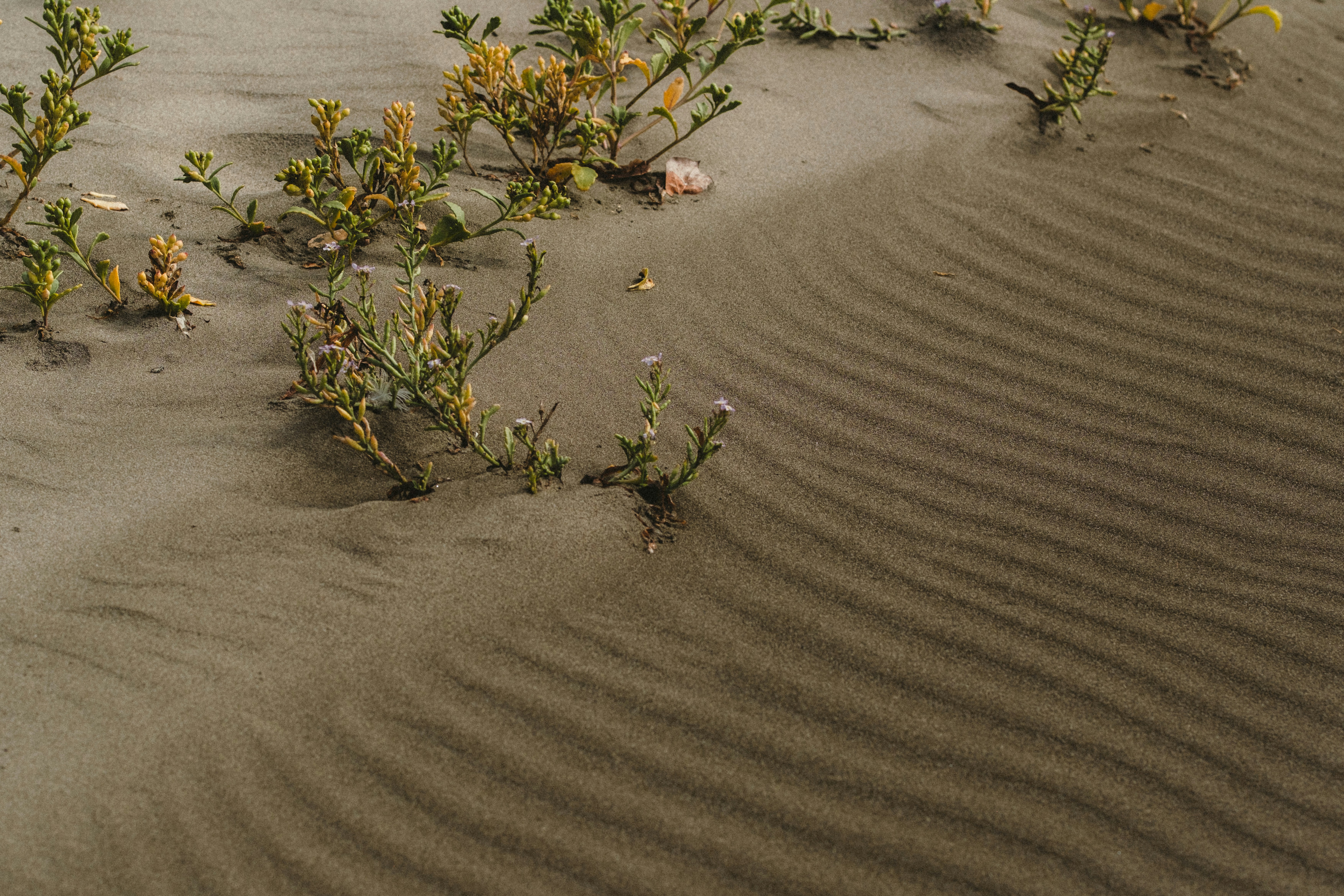
Mountain Escape
Multi-layer: dark-30 base + scrim at 90% opacity
<Section
  size="3"
  bgImage="https://images.unsplash.com/photo-1789953067753-6a1fcefe07d8"
  bgOverlays="dark-30, scrim/90"
  surface="dark-always"
  className="rounded-[var(--radius-panel)] overflow-hidden"
>
  <Container size="md">
    <Heading size="2xl">Mountain Escape</Heading>
    <Text color="muted">Multi-layer: dark-30 base + scrim at 90% opacity</Text>
  </Container>
</Section>
Section with Custom Solid + Gradient Overlays
Custom hex solid, semantic token accent, and linear gradient — all in one shorthand string. No JSON needed.
Custom Overlays
Hex solid + accent token + linear gradient — one shorthand string
<Section
  size="3"
  bgImage="https://images.unsplash.com/photo-1789953067753-6a1fcefe07d8"
  bgOverlays="#1a1a2e/40, (accent)/20, linear(180deg, #000/0%, #000/100%)/60"
  surface="dark-always"
  className="rounded-[var(--radius-panel)] overflow-hidden"
>
  <Container size="md">
    <Heading size="2xl">Custom Overlays</Heading>
    <Text color="muted">Hex solid + accent token + linear gradient — one shorthand string</Text>
  </Container>
</Section>
Overlay Presets
bgOverlays accepts comma-separated shorthand for all overlay types. Presets (below) are the simplest form. You can also use solid colors and gradients:
| Syntax | Example | Description |
|---|---|---|
| presetKey | "dark-50" | Named preset at 100% opacity. |
| presetKey/opacity | "scrim/90" | Named preset at custom opacity (0–100). |
| #hex/opacity | "#ff5733/50" | Solid hex color with optional opacity. |
| (token)/opacity | "(accent)/30" | Semantic token color with optional opacity. |
| linear(angle, stops)/opacity | "linear(45deg, #000/0%, #000/100%)/80" | Linear gradient with angle and color stops. Each stop: color/offset%. |
| radial(stops)/opacity | "radial((accent)/0%, (accent)/100%)/60" | Radial gradient with color stops. No angle needed. |
Combine multiple layers with commas. Mix presets, solids, and gradients freely:
bgOverlays="dark-20, (accent)/30, linear(90deg, #000/0%, #000/80%)/70"Preset keys below are shorthand for common scrim/gradient patterns. The preview column shows the overlay composited over a checkerboard.
| Preview | Preset | Description |
|---|---|---|
| dark-20 | Solid black at 20% opacity — subtle darkening for light readability. | |
| dark-30 | Solid black at 30% opacity — moderate darkening. | |
| dark-50 | Solid black at 50% opacity — strong darkening for white text legibility. | |
| dark-75 | Solid black at 75% opacity — heavy darkening for dramatic contrast. | |
| light-20 | Solid white at 20% opacity — subtle lightening for dark readability. | |
| light-30 | Solid white at 30% opacity — moderate lightening. | |
| light-50 | Solid white at 50% opacity — strong lightening for dark text legibility. | |
| gradient-bottom | Linear gradient from transparent (top) to 80% black (bottom) — for bottom-aligned text overlays. | |
| gradient-top | Linear gradient from transparent (bottom) to 80% black (top) — for top-aligned text overlays. | |
| gradient-radial | Radial gradient from transparent (center) to 85% black (edges) — focused-center vignette. | |
| vignette | Radial gradient from transparent (40% radius) to 85% black (edges) — classic vignette. | |
| scrim | Soft linear gradient from 10% (top) to 85% (bottom) black — gentle content scrim. |
Props
| Prop | Type | Default | Description |
|---|---|---|---|
| bgVideo | string | — | Background video URL (mp4, webm, etc.). Renders an autoPlay/loop/muted <video> element behind children. |
| bgImage | string | — | Background image URL. Renders an <img> with object-cover (default) or object-contain. |
| bgSize | "cover" | "contain" | cover | Background media fit. "cover" fills the container (default), "contain" fits within. |
| bgOverlays | string | — | Comma-separated shorthand for overlay layers. Supports presets ("dark-50"), solid colors (#hex or (token)), and gradients (linear/radial). JSON array of OverlayLayer[] as fallback for advanced cases. Layers composite top-to-bottom. |
| bgVideoPaused | boolean | false | When true, pauses the background video (renders a static poster frame instead of autoplay). |
| as | ElementType | section | Polymorphic tag type: section, main, article, div. Default "section". |
| translucent | boolean | — | Whether to apply translucent panel styling with data-panel attribute. |
| surface | Surface | — | Surface contrast scope intent. "dark"/"light" auto-invert against the page theme (contrast band). "dark-always"/"light-always" lock to one theme regardless of page (for media backgrounds). Undefined inherits page theme. |
| size | "1" | "2" | "3" | "4" | "compact" | "strip" | "body" | "hero" | "2" | — |